
Cheating During Testing How to Redeem Codes
Follow these steps whenever the BETA adds a working code box.
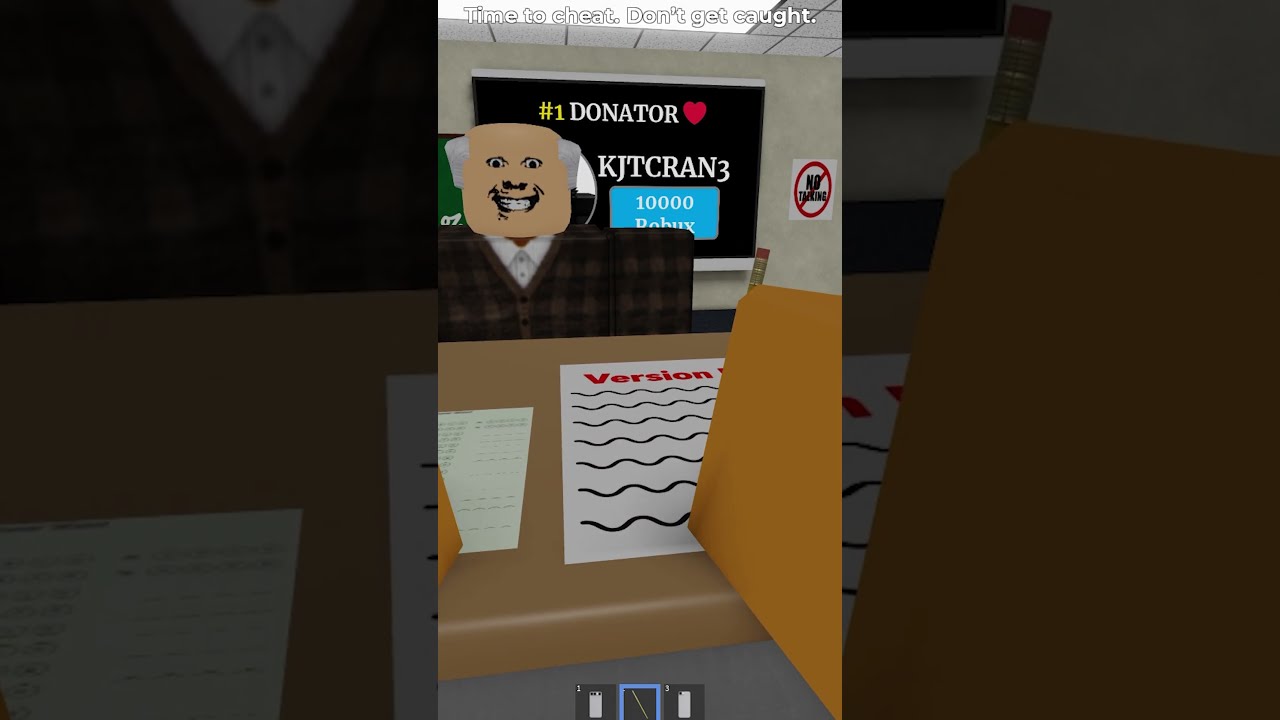
This page is the redemption playbook for Cheating During Testing promo codes on Roblox. Because the BETA currently has no verified active codes, treat the steps below as the standard Roblox-experience pattern you will use the moment a code UI appears — and as a checklist for avoiding fake redeem sites.
Before you redeem
Confirm the code is listed as working on the Codes Hub. If the hub still shows an empty active list, do not paste strings from random videos. Check Where to Find Codes for legitimate announcement channels and Latest Updates for patch notes that mention rewards.
Typical in-experience flow
- Launch Cheating During Testing from the official Roblox page linked on Official Links.
- Enter the lobby (main menu with Join, Update Log, Shop, Report Bug, Support).
- Look for a Codes, Twitter, Gift, or Rewards button — placements vary by update.
- Paste the code exactly (case sensitive unless stated otherwise).
- Confirm the reward toast or inventory grant.
- Spend or bank Credits using guidance from the Credits Planner.
If no Codes button exists yet, you cannot redeem — no third-party site can fix that.
Troubleshooting
- Invalid code: expired, mistyped, or never real. Recheck the hub.
- Already redeemed: most Roblox codes are one-time per account.
- No reward visible: rejoin the lobby, check Shop currency, read Update Log.
- Site asks for password: leave immediately — that is phishing, not redemption.
After a successful redeem
Prioritize phone upgrades via Phone Items and Phone Tiers. New players should still learn the Phone Trick so free Credits convert into lower catch rates. Codes are accelerators, not replacements for sightline skill taught in Avoid Getting Caught.
Mobile vs desktop
Redemption UIs are usually identical; only button layout changes. Keep the official Roblox app updated. Executor overlays mentioned on Scripts are unrelated to promo redemption and can violate Roblox rules.
Why we publish this page early
Searchers look for “how to redeem Cheating During Testing codes” even before a pipe exists. Publishing clear steps plus a firm “no active codes” stance prevents scams and sets expectations. When codes launch, we update the hub table first, then tweak any button names on this page to match the live UI.
Stay patient, play the exam loop, and treat every off-site “free code generator” as malware until proven otherwise inside the official experience.
Screenshot proof culture
If you redeem a first wave code, screenshot the success toast. That proof helps friends and helps wiki verification without sharing personal account details. Crop out anything private.
Family account notes
On shared devices, make sure you redeem on the intended profile. Codes are usually per-account. Redeeming on a sibling’s profile wastes the drop.
Accessibility
If the Codes button is tiny on mobile, rotate to landscape or use desktop. UI scale quirks are common in BETA. They are not a reason to use a phishing mirror site.
Closing note on redemption hygiene
Only redeem inside the official experience. Screenshot your inventory before and after any future code drop. If a site demands a Roblox password for free Credits, close it and return to Codes Hub and Official Links.
Expected redemption flow when codes appear
Most Roblox classroom games place a Codes button on the lobby HUD or inside a shop panel. Enter the string exactly, including capitalization, then confirm. Failed codes usually mean expired, mistyped, or region-blocked strings — not a broken account. Leave the experience and rejoin only after you have double-checked spelling.
Safety rules that never change
Never trade your password for a “code generator.” Never download a random executor solely because a site claims it unlocks codes. Prefer the official place linked from Official Links. If a prompt asks for billing information to redeem a free code, cancel immediately.
Inventory proof habits
Before redeeming anything valuable, screenshot Credits and Level. After redeeming, screenshot again. Those pairs resolve arguments when a code appears to “do nothing” because the reward was already claimed on another slot or the UI refreshed slowly.
Relate codes to progression
Codes are shortcuts, not substitutes for seat skill. Keep practicing Avoid Getting Caught so a future Credit dump still converts into phone upgrades instead of panic purchases.
Frequently Asked Questions
Quick answers to the most common classroom questions.
I cannot find a Codes button.
The BETA may not ship one yet. If Codes Hub shows no actives, there is nothing to redeem.
Do codes work on mobile?
When a redeem UI exists, yes — use the official Roblox app only.
Are codes case sensitive?
Assume yes unless the announcement says otherwise.
Can I redeem the same code twice?
Almost never on Roblox experiences — one redeem per account is standard.