
Cheating During Testing CM Hub Script
Teacher awareness + phone answer tools in one loader menu.
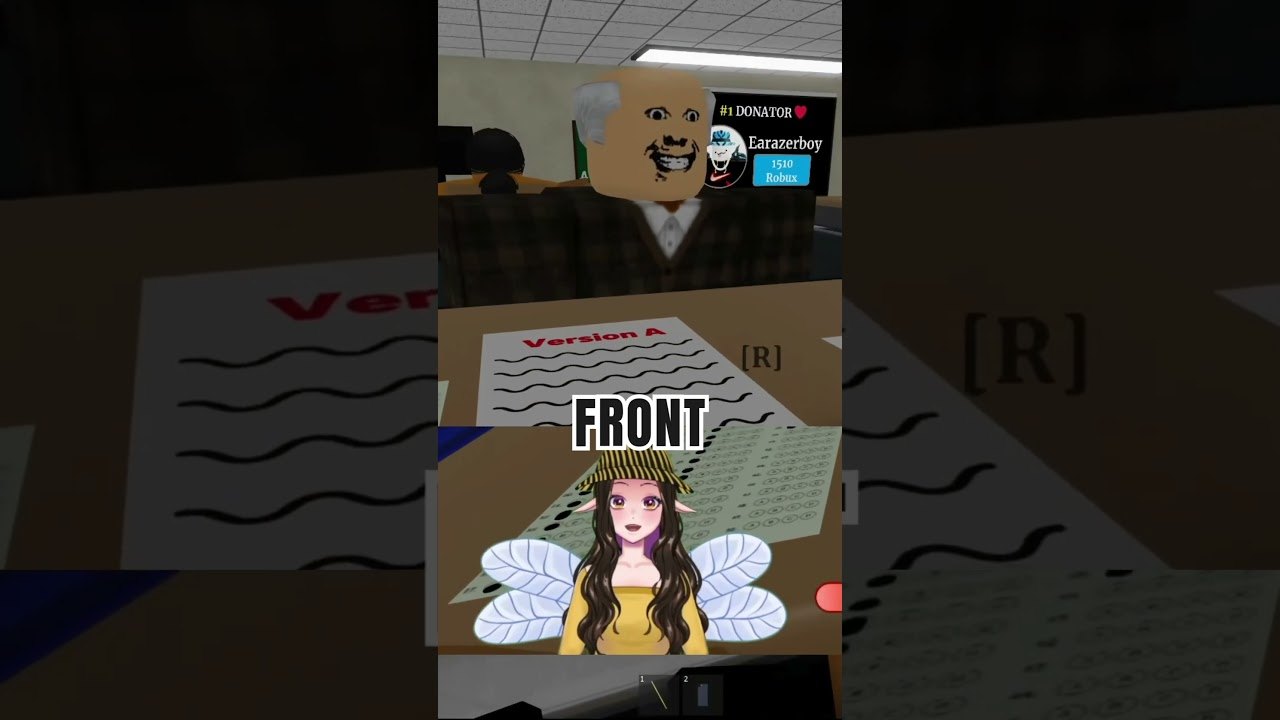
The CM Hub style loader is one of the most discussed Cheating During Testing scripts. Players want Teacher ESP, sight radar, and phone answer highlights so the classroom’s information problem becomes a UI problem. This page documents the feature set and a commonly shared loadstring pattern.
Example loader
loadstring(game:HttpGet("https://cmhub-key-system.vercel.app/roblox/loader.lua"))()Paste into a compatible executor after injecting into a live Cheating During Testing session. Key systems may appear; follow on-screen prompts. If the URL 404s after a patch, the script is offline until authors update it.
Feature breakdown
- Teacher ESP — locate the teacher quickly
- Teacher Sight Radar — read danger direction
- Anti-Caught Teacher Safety — helper toggles aimed at catch states
- Phone Answer ESP / Auto Revealed Phone Answers — surface phone pipeline data
- Answer Sheet ESP — find sheets faster
- Player ESP — track classmates who might snitch
- Anti AFK — keep the client active
Mid-page video shows a BETA script session — compare toggles with the list above rather than copying every setting blindly.
Suggested toggle order
- Teacher ESP + sight radar first.
- Add phone answer ESP once you can holster on danger.
- Player ESP if snitches are common in your lobby.
- Leave auto features off until you understand timing from Avoid Getting Caught.
Compatibility notes
Community posts mention executors such as Delta, KRNL, CodeX, and similar tools. Compatibility changes weekly. This wiki does not endorse any paid executor.
Safer alternative
Learn Phone Trick and Ultimate Cheater windows. Buy phones through Shop Items. Scripts can vanish overnight; skills transfer to every patch.
Related script pages
See Auto Answer Script for submit-style loaders and How to Execute Scripts for the generic inject flow. Return to the Scripts Hub for glossary context.
Ban and malware reality
Injectors downloaded from random videos may steal cookies. Roblox may ban modified clients. Use throwaway accounts if you experiment, and never enter passwords into script GUIs.
Documented for searchers who already look this up — play fair when you can.
Key system friction
Some loaders force link visits or wait timers. That friction is a social-engineering surface. Use a sandboxed browser profile if you must complete keys. Never reuse your main Roblox password there.
Overlay clutter
ESP everywhere creates glow soup. Disable player ESP when you are learning teacher radar. Add layers only when you can still holster on instinct.
Comparing to manual radar
Manual play builds a mental radar. CM Hub externalizes it. If you only ever use ESP, a patch day feels like starting from zero. Mix sessions.
Closing note on CM Hub features
Teacher ESP and answer automation change the fantasy of the exam. They also raise detection risk. Read How to Execute for safety framing, then decide whether Phone Trick skill is the better long-term investment.
Feature groups explained
Awareness tools highlight the teacher and sight cones. Answer tools highlight sheets or revealed phone answers. Utility tools reduce AFK kicks. Turning everything on at once creates noisy screens that slow your own decisions — enable teacher awareness first, then answer helpers.
After a patch
If the GUI fails to inject after the 26 August 2026 client bump, assume the loader needs an update. Do not download “fixed” mirrors from random comments. Recheck this page and Latest Update, or simply play clean with Getting Started fundamentals.
Suggested toggle order
- Teacher ESP / sight radar so you understand facing.
- Anti-caught helpers if present.
- Phone answer ESP only after you can holster on command.
- Auto-revealed answers last, because automation hides bad habits.
If the GUI overlaps the answer sheet, disable cosmetics and keep radar only. A clean legitimate phone loop from Phone Trick still outperforms a cluttered ESP screen when the teacher spins quickly.
Account hygiene
Never paste CM Hub loaders on a main with limiteds. Prefer alternate accounts. If Roblox flags the session, stop — continuing usually worsens outcomes. Skill pages remain available without that risk: Getting Started and Anxiety and Hunger.
Frequently Asked Questions
Quick answers to the most common classroom questions.
Is CM Hub free?
Loaders are often free but may include key systems or ads on third-party sites.
What if the loadstring errors?
The host is down or patched. Wait for authors or play manually.
Should I enable every ESP?
Start with teacher awareness only; too many overlays cause tunnel vision.
Does ESP stop snitches?
Player ESP helps vision, but short phone holds still matter — Snitching.